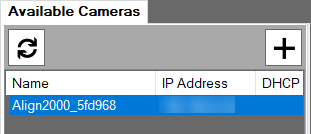
Discover Cameras
You can discover a camera by completing the following steps.
-
Click Sensor in the Setup Navigation pane. The Available Cameras tab and the Settings tab open.
-
If your camera settings are factory defaults with DHCP enabled, click
 on the Available Cameras tab. The New Cameras dialog box opens.Note: If your camera has the static IP address, go to Configure a Sensor.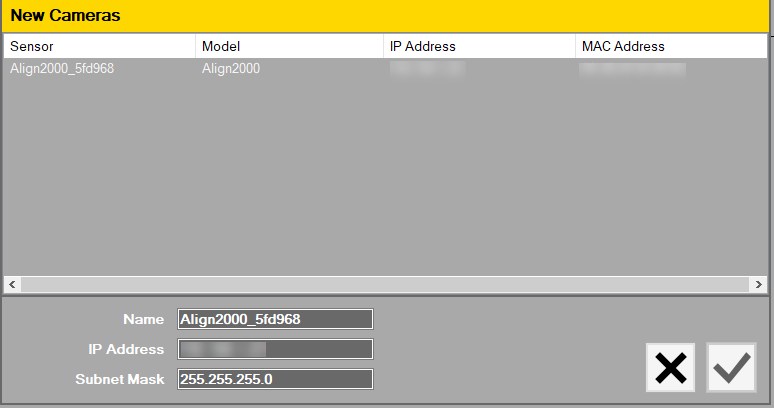
- Select a camera to configure a sensor, and then enter the static IP address for the camera in the IP Address text box. If necessary, modify the camera Name and Subnet Mask.
- To accept the changes, click
 . To cancel, click
  .
.
The Available Cameras tab displays the camera.